01 / HeroBrowser Extension · Passwords + TOTP

Your TOTP expires
in another tab.
Pastkey fills it
before it does.

A browser extension that reads passwords and 2FA codes directly from your password manager and injects them into the active form — no tab switch, no copy-paste, no race against the countdown.

3.2k

devs using it

40s

avg saved/login

0

tabs switched

— Live preview

github.com/login

github.com

alex@example.com
••••••••|
PastkeyFilling…
GH

alex@example.com

github.com · 1Password

2FA

4 8 2  1 9 3

TOTP · Autofill ready

23
⌘⇧K to open · works with 1Password, Bitwarden, KeePass
02 / ProblemThe tab-switching tax

"Every 2FA login is a micro-interruption.
You wrote the line of code.
The authenticator app stole the thought."

— The flow state problem
A

You open GitHub.

Password manager fills your credentials. Good. Now the 2FA prompt appears. Your manager is in another tab. You open it. The code expired. You wait.

~45s lost
B

You're deploying to prod.

AWS console, MFA required. You alt-tab to Bitwarden. You cmd-tab back. The session timed out. You start over. The deploy was time-sensitive.

~90s lost
C

Standup in 3 minutes.

You need to merge that PR but GitHub is asking for a confirmation code. You fumble your phone. The authenticator app asks for FaceID. You're late.

Flow destroyed
03 / How it works3 steps · no new habits
01

Install. Connect your manager.

One-click install from the Chrome Web Store. Pastkey detects which password manager is running and handshakes via its native messaging host. No extra setup, no master password entry.

~30 second setup
02

Land on a login form.

Pastkey scans the active tab's URL, queries your password manager for matching credentials, and shows you a ranked list in its popup. The best match is pre-selected.

Automatic domain match
03

Press ⌘⇧K. Done.

One keyboard shortcut fills the username, password, and — if a TOTP field is detected — the current 6-digit code. The countdown ring shows you how many seconds the OTP has left before it rotates.

Password + TOTP in one shot

The only thing you need to remember

K

Fills username + password + 2FA simultaneously.
Customisable in settings.

04 / CapabilitiesEvery edge case, handled

TOTP, not just passwords.

Reads the TOTP seed stored in your password manager's OTP field. Generates the code on-device. Injects it before the 30-second window closes. The countdown ring in the popup is live.

Multi-account disambiguation.

Three GitHub logins? Pastkey shows all matching entries ranked by last-used. Pick with arrow keys. No misfire, no accidental personal-account deploy to work infra.

Works on shadow DOM login forms.

SPAs, iframes, custom web components — Pastkey uses a deep DOM walker to find credential fields even when your manager's autofill quietly gives up.

Native messaging, not clipboard.

Credentials travel from your manager to the page via the browser's native messaging protocol. They never touch the clipboard, so they can't be intercepted by a clipboard sniffer.

Keyboard-only workflow.

Open popup, select credential, fill — all without touching the mouse. Designed for the person who lives in the terminal and finds every click a small indignity.

No credential storage of its own.

Pastkey is a conduit, not a vault. It holds nothing between sessions. Audit the extension — 847 lines, no external network calls, no telemetry on credentials.

05 / Developers sayUnsolicited, unedited

40s

saved per login

I was losing ~40 seconds every GitHub login to the authenticator dance. Now it's just... done. Merged the PR the same minute.

Lena K.

Staff Engineer · Stripe

0

extra tabs opened

We run a zero-trust setup — password manager is mandatory. Pastkey is the only extension that actually plays nice with Bitwarden's native messaging host.

Raj M.

Platform SRE · Cloudflare

12×

fewer context switches

The TOTP countdown ring in the popup is the kind of small thing that shows someone thought hard about this. I don't race the clock anymore.

Sofi D.

Senior Fullstack Dev · Linear

— Why we built this

Flow state is fragile. It takes 23 minutes to recover a deep focus session after an interruption — security researchers have measured this. Password managers solved half the problem. They fill your credentials seamlessly. Then 2FA arrived and broke the seam again.

Pastkey exists because the correct answer to “where is my OTP?” is “already filled.” Not “in another tab.” Not “on your phone.” Not “expired, try again.” We wrote 847 lines of extension code so you can write more of yours.

06 / FAQHonest answers

Every security question you're about to ask, answered.

— Free. Always.

Stop racing the OTP clock.
Install takes 30 seconds.

Core autofill — passwords and TOTP — is free, no account required. Works with 1Password, Bitwarden, and KeePassXC out of the box.

✓ Chrome · Brave · Arc · Edge✓ Open source✓ No account needed

Firefox user?

Get notified when Firefox support exits beta.

Firefox beta is available on GitHub. We'll email you when it's stable and on the Add-ons store.

Dev Notes

Smarter logins, zero interruptions

How-To Guide

How to Auto-Fill OTP Codes in Your Browser Without Switching Tabs

Constantly switching tabs to copy a 30-second OTP is one of the most disruptive micro-friction points in a developer's day. This guide walks through how modern browser extensions intercept TOTP requests and inject them directly into login fields — no clipboard required. Learn the exact setup that eliminates the copy-paste loop for good.

Read more →9 min read
Comparison

5 Best Password Manager Browser Extensions for Developers in 2025

Not all password manager extensions are built with developers in mind — most are designed for casual users and fall short on OTP auto-fill, CLI integration, and multi-account switching. We compare the top five options across speed, 2FA support, and workflow fit for power users. Find out which one actually keeps you in flow.

Read more →9 min read
Productivity

The Real Cost of Copy-Pasting 2FA Codes All Day (And How to Stop)

The average developer logs into 10–20 services per day — and manual 2FA entry chips away minutes that compound into hours lost per month. Beyond the time cost, clipboard-based OTP workflows carry a subtle but real security risk. This post quantifies the productivity drain and lays out the workflow fixes that power users swear by.

Read more →9 min read
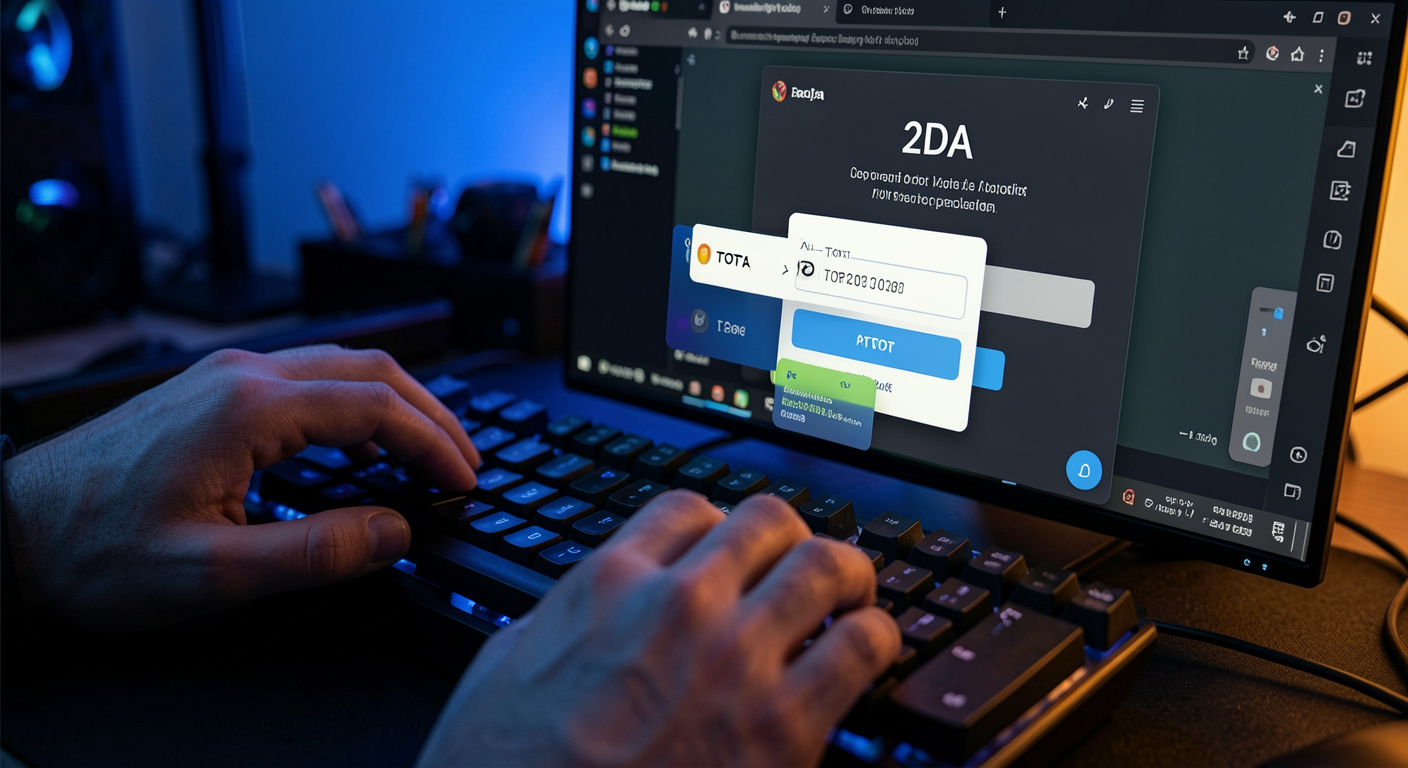
Browser extension auto-filling a TOTP 2FA code on a developer login screen
Security Deep-Dive

TOTP vs. SMS 2FA: Which Should Developers Actually Use in 2025?

SMS-based two-factor authentication is still the default on dozens of platforms, but SIM-swapping attacks have made it a liability for anyone who takes security seriously. TOTP apps offer stronger protection but introduce their own workflow friction — unless you have the right tooling. Here's the definitive breakdown for developers choosing their 2FA stack.

Read more →9 min read
Ultimate Guide

Ultimate Guide to Securing Your Developer Accounts With a Password Manager + 2FA Extension

Between GitHub, AWS, Vercel, Cloudflare, npm, and a dozen SaaS tools, developers manage more high-value credentials than almost any other profession. This ultimate guide covers how to combine a password manager with a 2FA auto-fill browser extension to lock down every account without slowing down your workflow. From first install to full automation — everything in one place.

Read more →10 min read